How to Format a Cookbook or Recipe Book
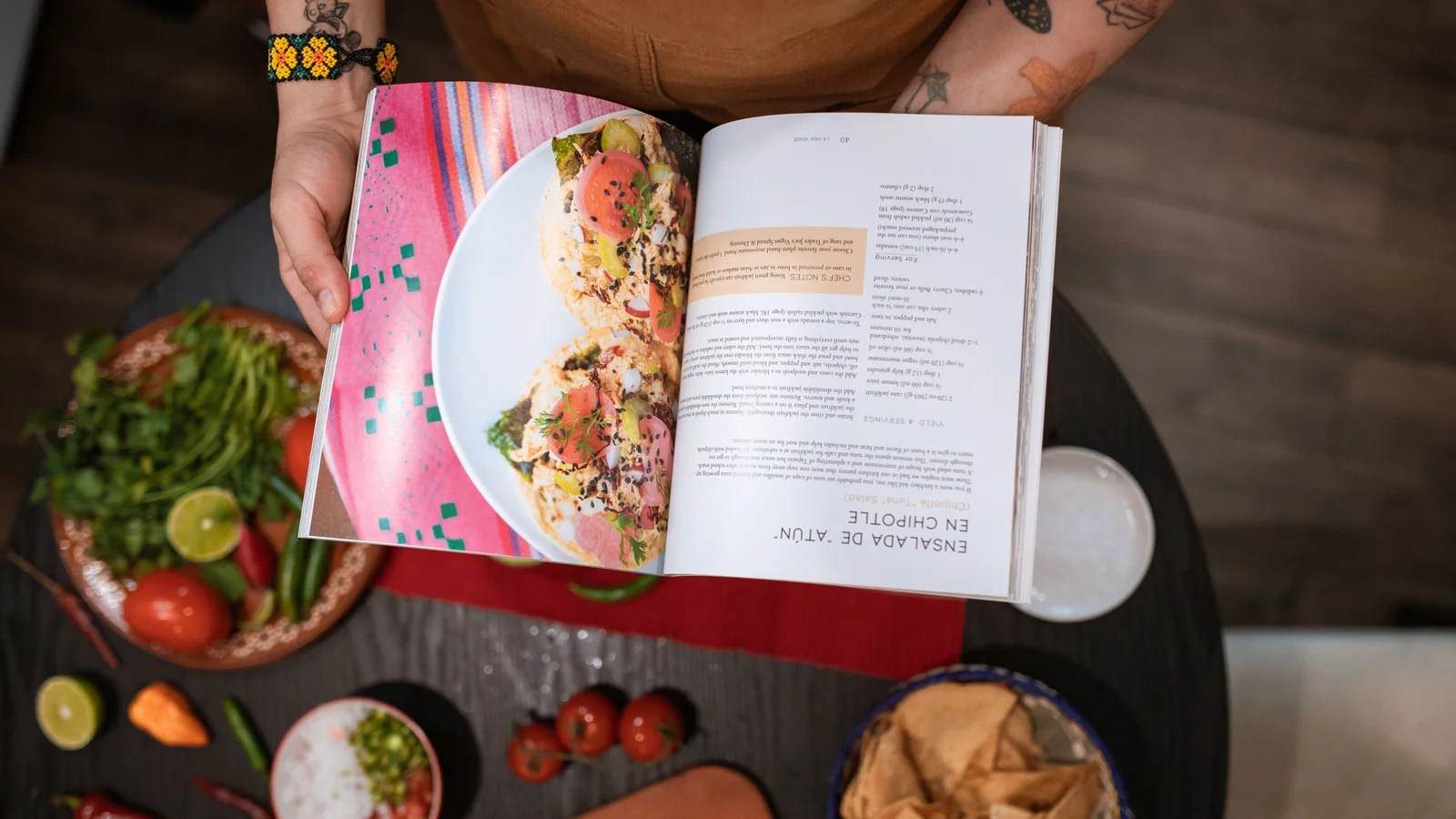
A cookbook is one of the hardest books to format because every recipe must follow a consistent, scannable layout and photos have to sit cleanly with the text. Use a repeatable recipe template: title, yield/servings and time up top, a clearly separated ingredients list (often in a column) and numbered method steps, with consistent typography for each element. Choose a larger trim size (like 7×10″ or 8×10″) to fit photos and two-column layouts, and use bleed for full-page food images. For ebook, recipes usually need a fixed-layout format so the ingredients and photo stay put. Here's how to build it.
A cookbook lives or dies on consistency and scannability — a cook is holding the book with one hand, flour on the other, glancing back and forth between the ingredient list and the pan. If every recipe is laid out differently, or the photo pushes the method onto the next page, the book fails at the one moment it's needed. Here's how to format one properly.
Start with a repeatable recipe template
The single most important decision is a consistent recipe layout you apply to every recipe. A standard structure:
- Recipe title — styled consistently (same font, size, position every time).
- Meta line — servings/yield, prep time, cook time, difficulty.
- Ingredients — a clearly separated list, often in its own column, in the order they're used.
- Method — numbered steps, one action per step, easy to find your place in.
- Notes / variations — an optional styled box at the end.
Build this once as a template with proper styles, then flow every recipe into it. Consistency is what makes a cookbook feel professional and usable.
Choose the right trim size
Cookbooks need room for photos and often two columns (ingredients beside method), so they use larger trims than novels — commonly 7×10″, 8×10″ or 8.5×11″. A small novel-sized trim cramps recipes and shrinks photos. Pick the trim before you design, because the whole layout is built to fit it.
Handling food photography
- Resolution: photos must be at least 300 DPI at the printed size, or they'll look soft.
- Bleed: full-page or edge-to-edge photos need 0.125″ bleed; size the document to include it.
- Color: professional print uses CMYK; food colors can shift from screen to print, so color-check matters.
- Placement: keep each recipe's photo with its recipe — a photo that pushes the method to the next page breaks the cook's flow.
- One photo style: consistent lighting and framing across all photos makes the book feel designed, not assembled.
Ingredient and measurement consistency
Small inconsistencies pile up fast in a cookbook. Decide once and apply everywhere:
- Units: metric, imperial, or both (many books list both) — be consistent.
- Abbreviations: tbsp vs tablespoon, g vs grams — pick a style.
- Number style: “2 cups” vs “two cups,” fractions vs decimals.
- Ingredient order: list in the order used in the method.
The ebook problem: recipes and reflow
This is where cookbooks get tricky digitally. A standard reflowable ebook re-wraps text to fit the screen — which can separate an ingredient list from its photo, or break a carefully laid-out recipe. For image-and-layout-heavy cookbooks, a fixed-layout ebook (which locks each page like print) is usually the right choice, so recipes stay intact. The trade-off is the usual fixed-layout one: larger files, less reader font control, and uneven retailer support (Apple, Kobo and Google accept fixed-layout; Amazon only via Kindle Create).
Front and back matter for cookbooks
- A clear table of contents — essential; readers navigate by recipe.
- Sections by course or theme — starters, mains, desserts, etc.
- An index — by ingredient and by recipe name, so cooks can find things fast.
- Conversion charts — a helpful back-matter addition.