How to Format a Planner or Dated Journal for KDP
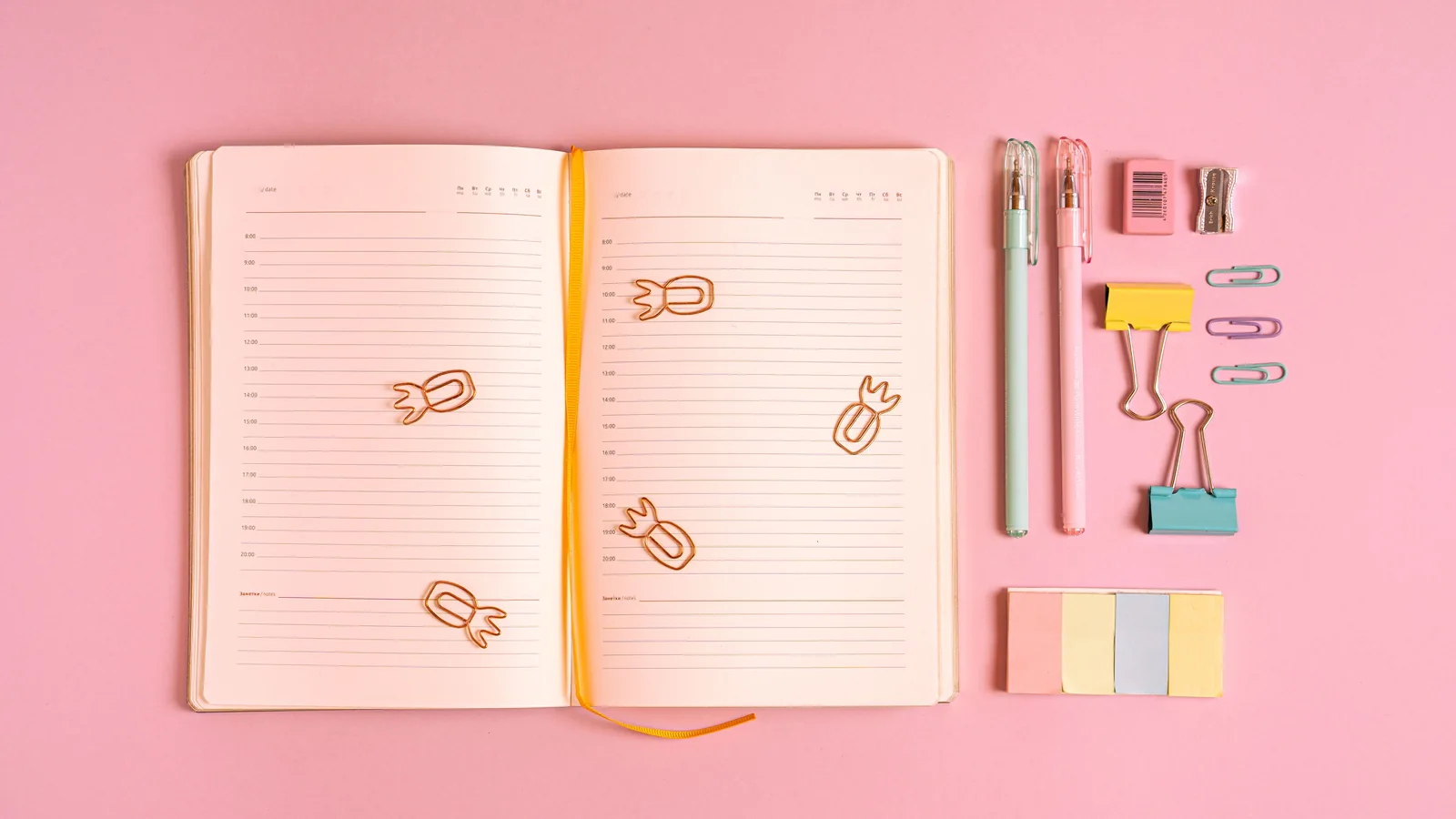
A planner or dated journal is a low-content book built from repeatable page templates. The key is designing a consistent layout (daily, weekly or monthly spread) and repeating it accurately across the whole date range — which is tedious by hand and usually generated programmatically. Choose a practical trim (8.5×11″ and 6×9″ are common), set margins and a page-count-scaled gutter so nothing binds into the spine, and watch the page count, since a full-year dated planner runs long and drives print cost. It's a KDP low-content category with real demand. Here's how to build one.
Planners and dated journals are a popular low-content category on KDP — but they're deceptively fiddly to format. They're mostly the same page repeated hundreds of times with the dates changing, and any inconsistency or spacing error multiplies across the whole book. Here's how to build one that prints clean and stays cost-effective.
Planners are low-content books
A planner falls under KDP's low-content category — books made mostly of repeated template pages (like journals, notebooks and logbooks) rather than flowing text. That shapes how you build it: instead of a manuscript, you're designing page templates and repeating them. The formatting challenge is precision and consistency across a lot of near-identical pages.
Design the core page templates
Decide your planner's structure and design each unique page type once:
- Daily / weekly / monthly spreads — the main repeated layout(s).
- Monthly calendar pages — the grid view.
- Special pages — goals, notes, habit trackers, year-at-a-glance, cover pages for each month.
- Consistent styling — same fonts, line weights, spacing and structure across every instance.
The design should be clean and functional — planners are used, not just read — with enough writing space and a clear, uncluttered layout.
Generating dates accurately
A dated planner needs the correct day, date and weekday on every single page for the whole year — and typing 365+ dates by hand is both painful and error-prone (one wrong weekday and the whole planner is wrong). This is why dated planners are almost always generated programmatically — a script fills the correct dates into the template so every page is accurate. Getting the date logic right (leap years, weekday alignment, month boundaries) is the core technical task.
Trim size, margins and gutter
- Trim size: 8.5×11″ is popular for planners (lots of writing space); 6×9″ and 7×10″ are common for more portable ones.
- Margins: leave comfortable margins so writing space isn't cramped against the edges.
- Gutter: apply a page-count-scaled inside margin — planners are often thick, so the gutter must be generous or writing areas disappear into the spine.
- No bleed unless your design has elements running to the page edge.
Watch the page count and cost
A full-year dated planner adds up fast: a weekly-plus-daily layout can run 200–400+ pages, and page count drives print cost, which affects your pricing and royalty. Plan the structure with cost in mind — decide whether you really need daily, weekly and monthly views, or whether a leaner layout serves the reader while keeping the book affordable to print. Confirm print costs with KDP's calculator before finalising.
Cover and interior together
The interior is a PDF of your repeated, dated templates; the cover is a standard print wrap sized to the trim, page count and paper (planners are often thick, so the spine can be wide). Because planners are handled constantly, a case laminate hardcover or a durable matte paperback are popular choices. Keep the cover design clean and functional to match the planner inside.